How to use AI in Sign Design – An in-depth guide
Unsurprisingly, now more than ever, we receive enquiries from customers that reference AI. It tends to be in one of two ways: either they say they were recommended Carousel Lights through an AI prompt or they’ve used Generative AI to create a mock-up of a sign they’d like, and they send us that image to ask us if it’s possible to make it as well as how much it costs.
We thought it was about time we produced an in-depth guide into how we’ve incorporated Generative AI into our signmaking process here at Carousel Lights. So here it is, a 100% human-written (is that a bit postmodern?) article by Ben, one of our Founders, about just that.
Using AI for Sign Design – Let’s get to it!
I’m the first to admit that the signage industry can be a bit stuck in it’s ways – often for very good reason. Heritage, quality and discipline are really important in trusted signmakers, but we don’t want this to be at the expense of progress. At Carousel Lights we’re proud that our customers come to us saying that we’re always keeping one eye on the horizon and coming up with the next big thing, so AI just had to be a topic that we covered as we’ve totally embraced it. This guide is aimed at clients who want to get a custom sign made, giving them hints and tips on how to incorporate AI into their request.
Ok, breaking this down, I think the best way to cover this BIG topic is to break it down into 3 sections: (i) How to use AI in your Sign Design request, (ii) Considerations you should make, and (iii) Case study examples.
IMPORTANT NOTE: All images in the main body content of this page have been generated by Carousel Lights using AI, unless otherwise noted.
1. How to use AI in your sign design request
Take a look at the animation below – this shows what you can achieve from a few simple – yet clear – iterations into AI.
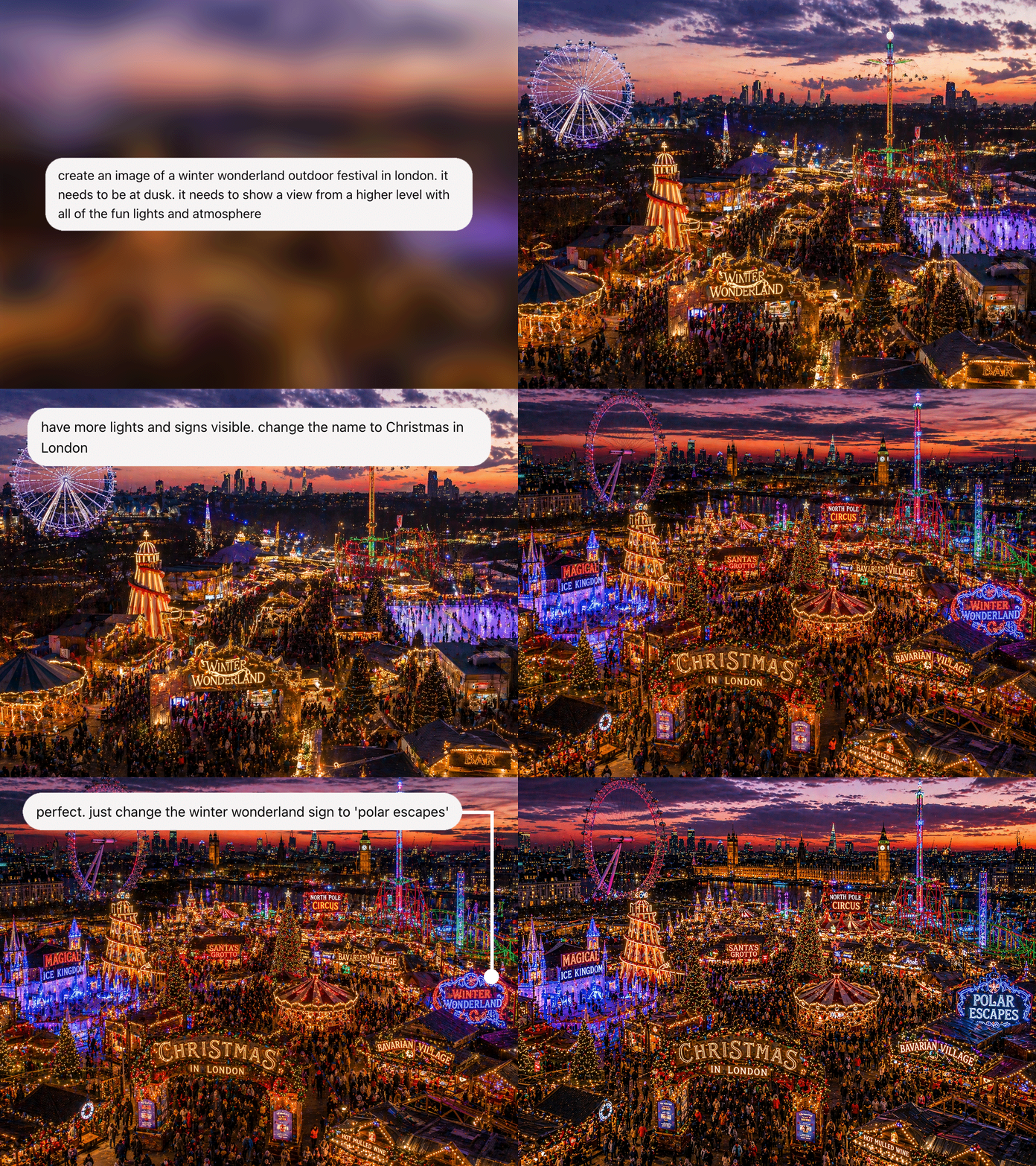
Looks great heh? But let’s go back a step and have a think about how exactly you can use AI to help with your custom sign project.
Generate concept ideas to see your preferred signage style
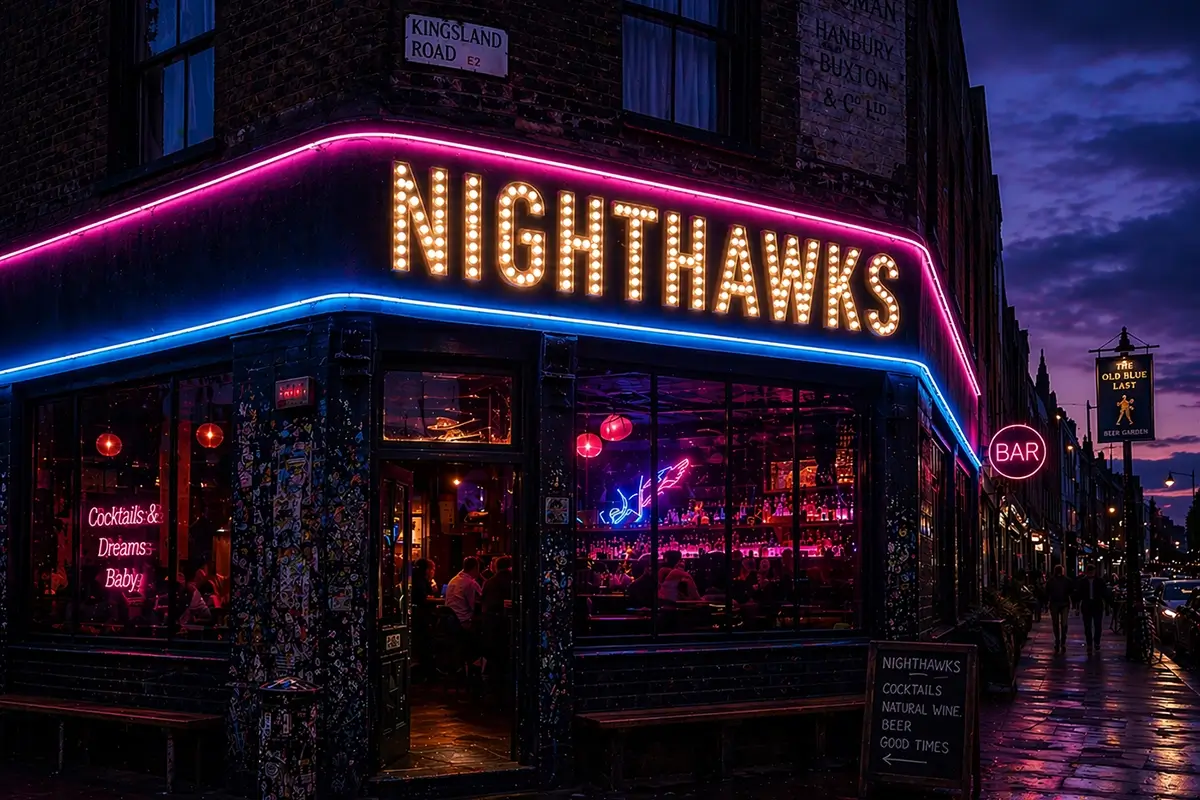
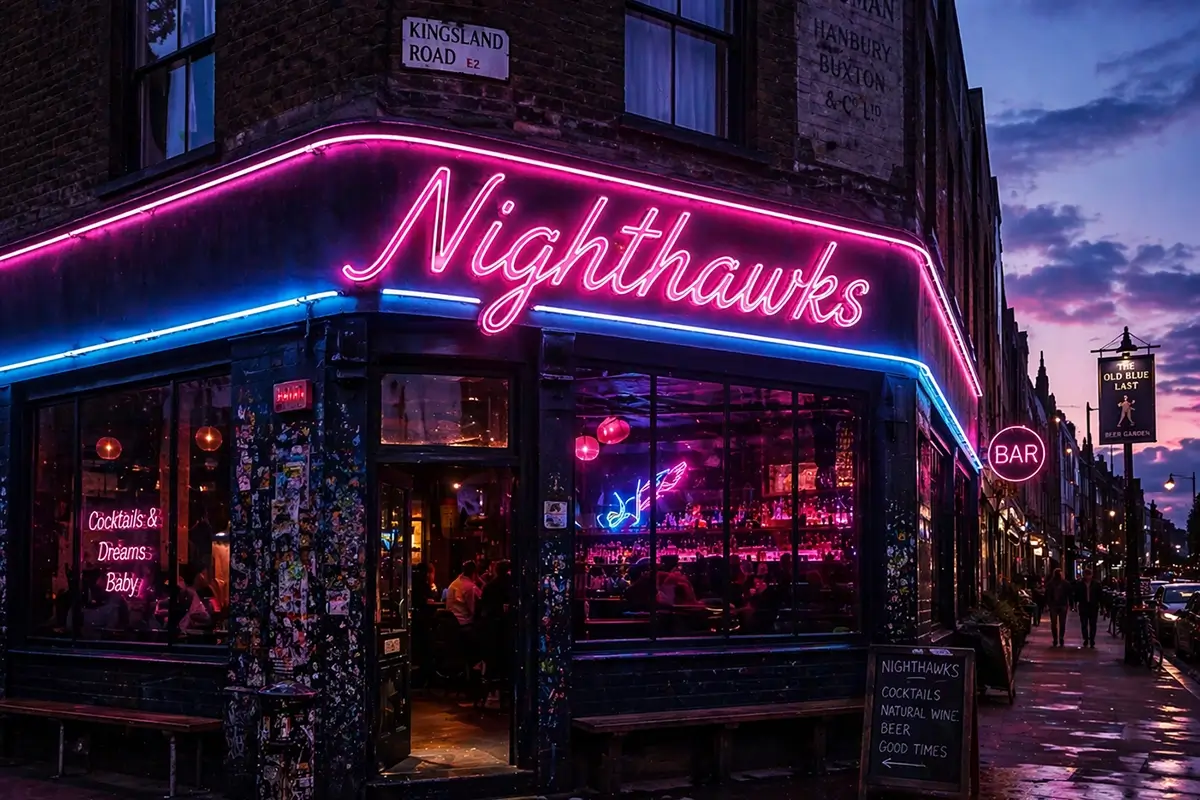
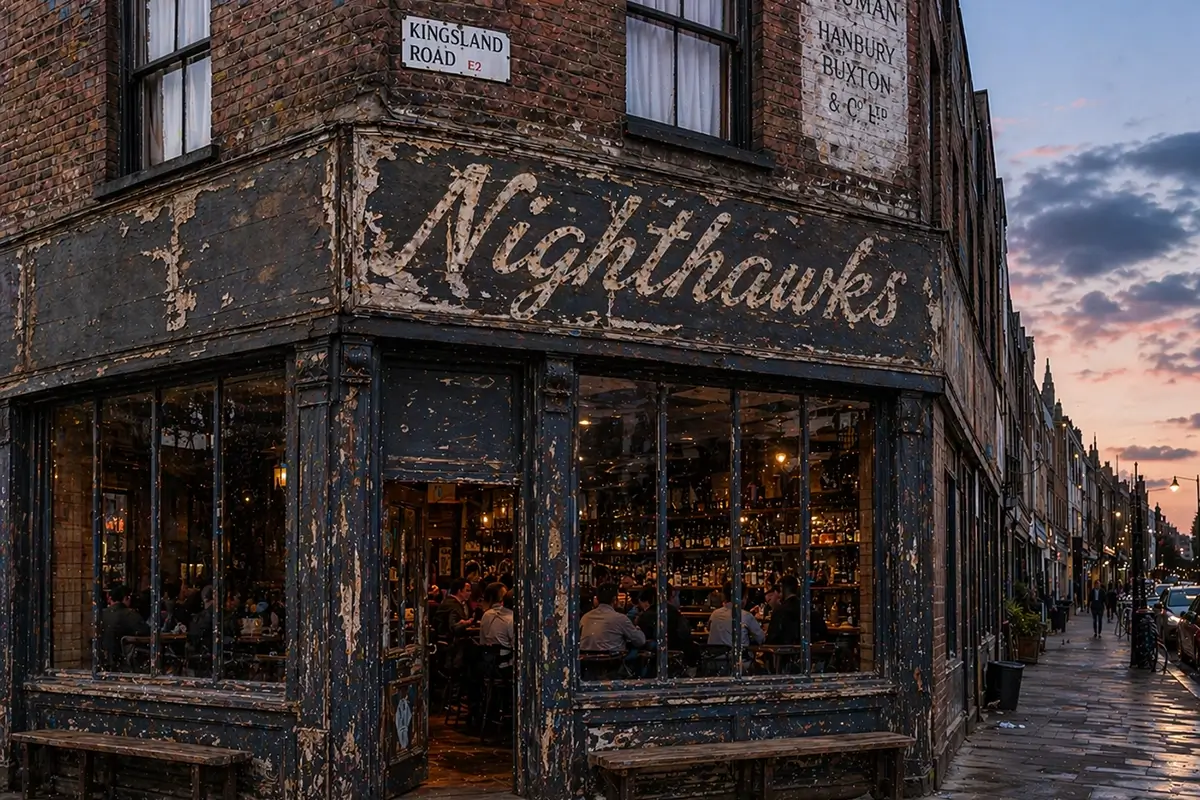
Let’s say for example you own a small group of bars or restaurants and you’ve just taken on a new site. It’s in East London, so the vibe there is quite specific and perhaps your normal branding needs adjusting to be appealing to the target market in that area. You can input prompts into Generate AI such as ChatGPT or Midjourney. With the examples below, we went through an iterative process whereby we wanted to see how a venue in London would look if it was called Nighthawks. We wanted to see how the facade might look in a weathered hand-painted finish, and then how it would appear if we used a different mix of neon and fairground lights on the front.
This is brilliant at helping you rule out – or rule in – certain types of lighting. We find that customers often end up being surprised at what they end up ruling in.
 Create in-situ mock-ups to bring to life how it will look
Many people aren’t sure what type of sign they actually want. There are thousands and thousands of different options, which is great, but as we know choice kills! Whilst some people are great at imagining how their choice will look when it’s made and in position, we find that most people can’t envisage it.
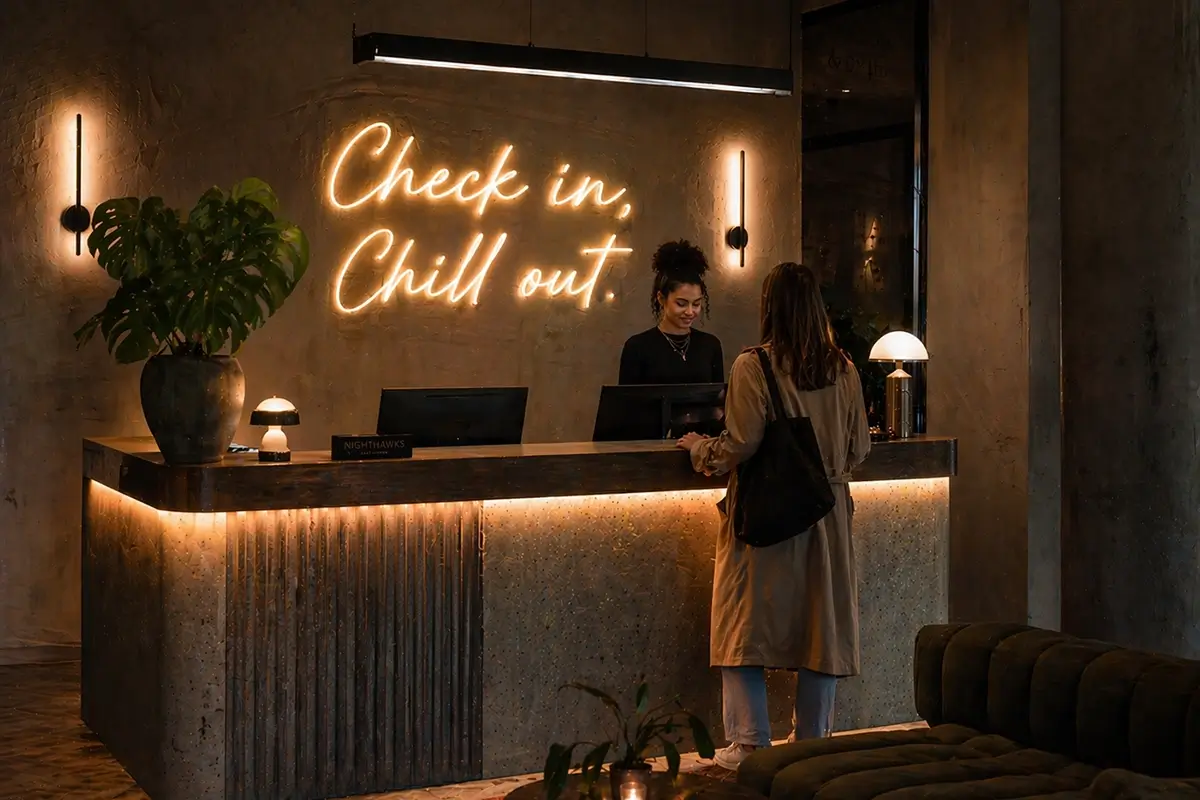
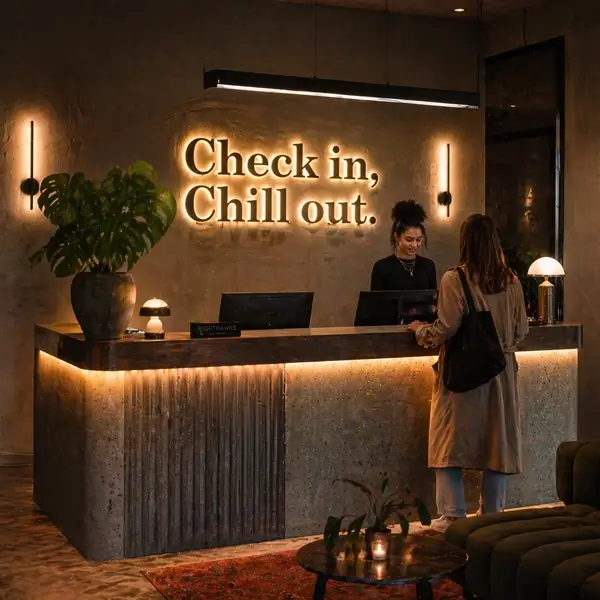 Here’s where in-situ mockups can really come into play. You can upload a photo of the location in which you want your sign to be installed into a generative AI tool, and then also upload your logo or design if you have one. No problem if you don’t. You can then generate AI signage renders of whatever sign options you’re considering – for the two renders shown behind this hotel reception we simply asked for halo signage in a block serif font and neon-effect in a cursive font.
For simplicity we prompted for white illumination, but your variables are: size, font, material colour, light colour, sign location, how text is justified….you get the idea. You could spend all weekend on it and next thing you know it’s Monday morning again 😉
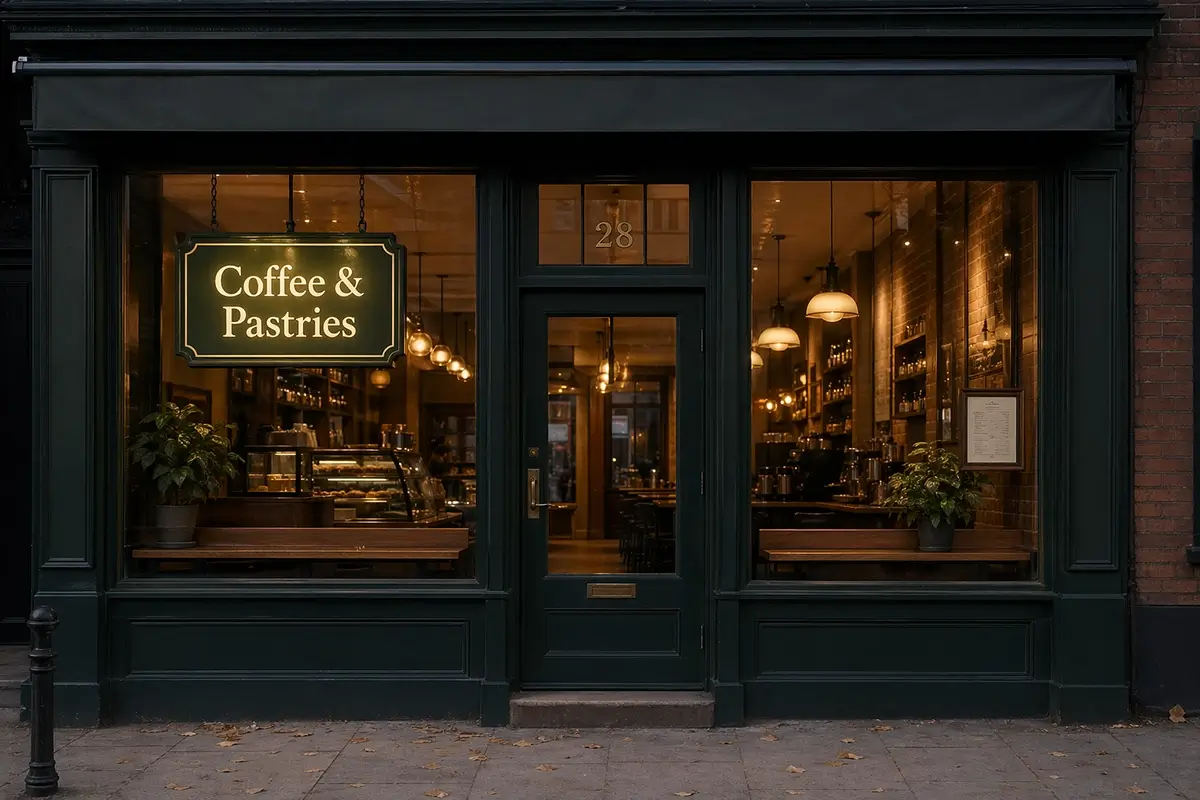
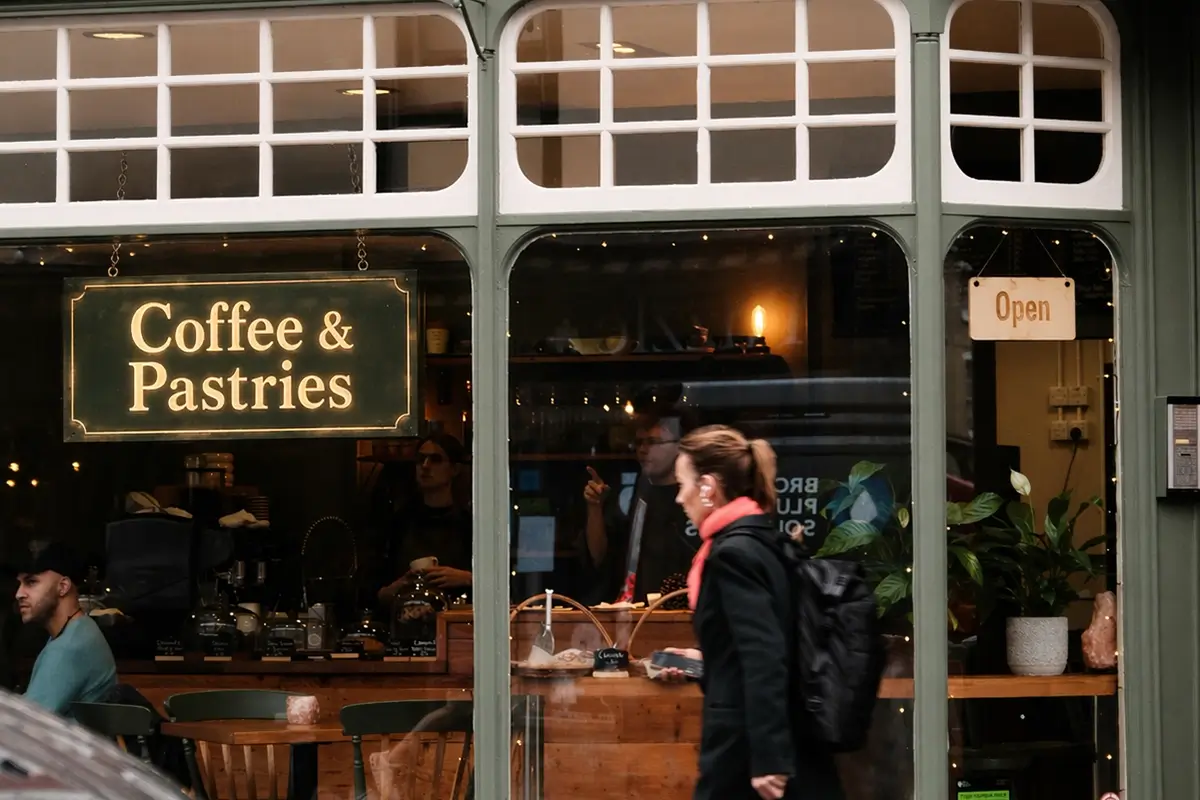
We took a slightly different AI approach with our coffee shop example here. We put ourselves in the shoes of a design agency or architect for hospitality, who specialises in fitout. We wanted to envisage what sort of style of sign would hit our brief – and make our client happy – so was promoted AI to initially create the coffee shop setting that we envisaged from our moodboards, and then after trying out various signage options, settled on this Coffee & Pastries sign as best achieving the look we wanted.
 We then went back to the location of the unit on the high street and took the photo of the outlet with the lady walking past. We actually sourced this from Unsplash and is the only image on here that hasn’t been generated by AI.
We then asked AI to transpose the Coffee & Pastries sign it had created into the real photo of the unit that we uoploaded into AI. Great! So we’re now getting a picture of how the sign will look at that location, along with how the location will look when it’s been designed as per the mood board.
 Generate design ideas from your logo
AI tools are ideal for creating different signage style ideas for your logo, giving you a really quick way of finding out what sort of design looks good for your logo and then how that would look when located in-situ at your location, whether that’s your office reception or building facade.
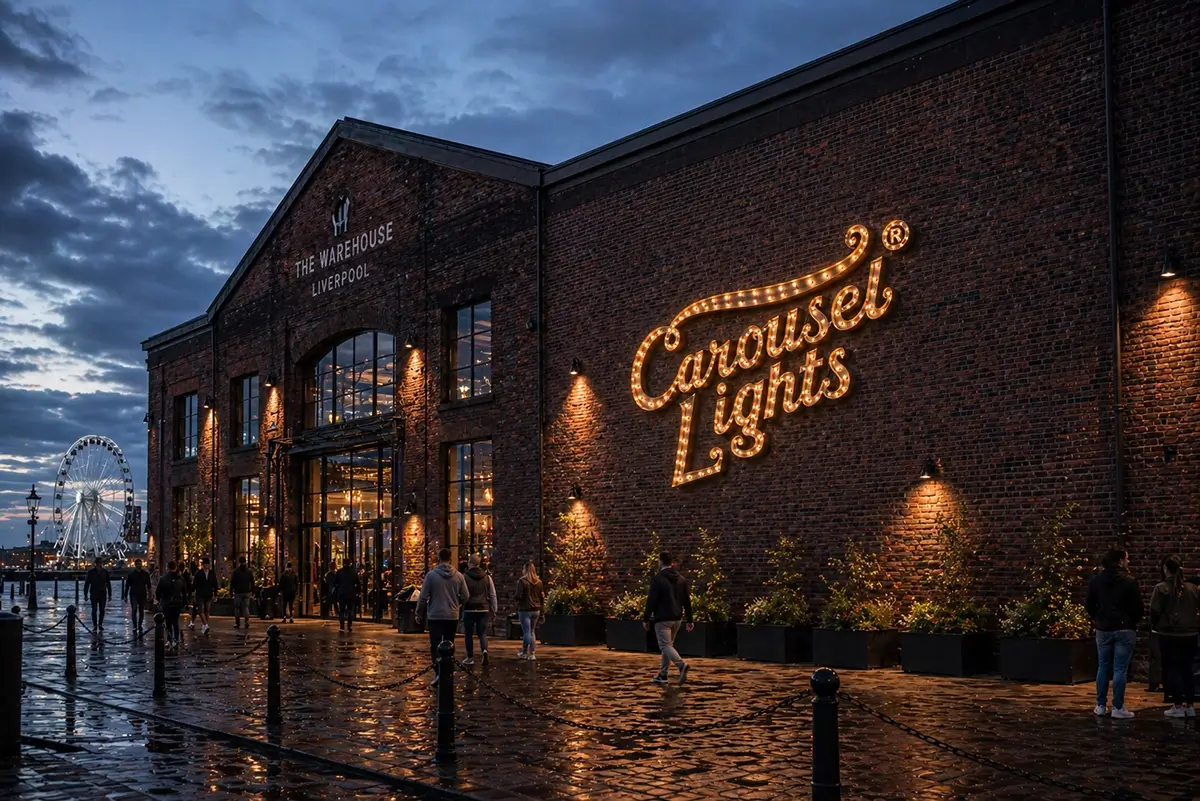
For the logo design ideas below we uploaded the Carousel Lights logo and used the prompts given below prior to each image:
“use the Carousel Lights logo to create a huge bulb letter trough style sign on a large building facade on the outside of a warehouse in Liverpool docks”
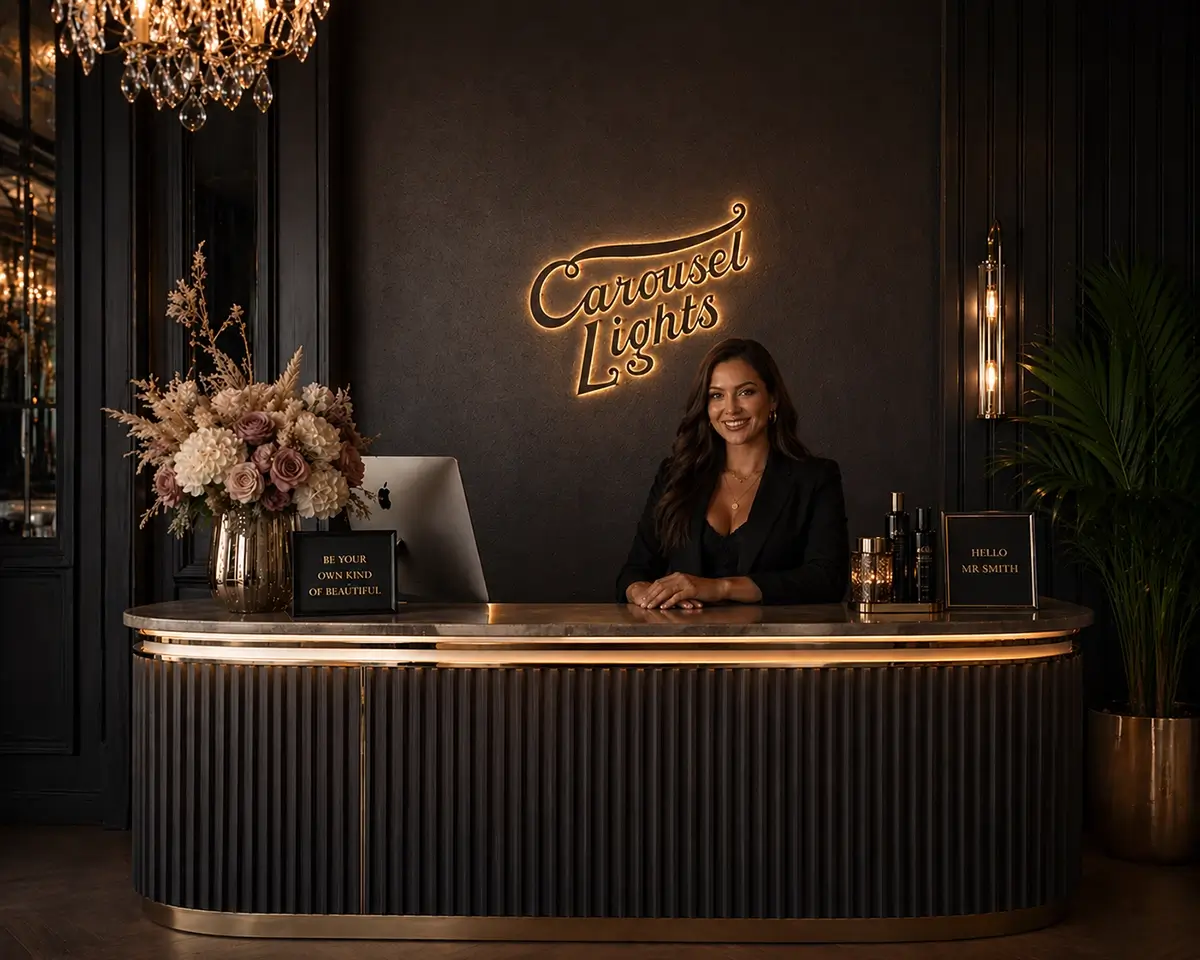
 “create this logo as a powdercoated halo illumination sign sitting behind a stylish reception desk with a receptionist waiting to greet visitors”
 “create an image of the same logo but produced using blue neon. It needs to be hanging inside a stylish gym where people are working out”
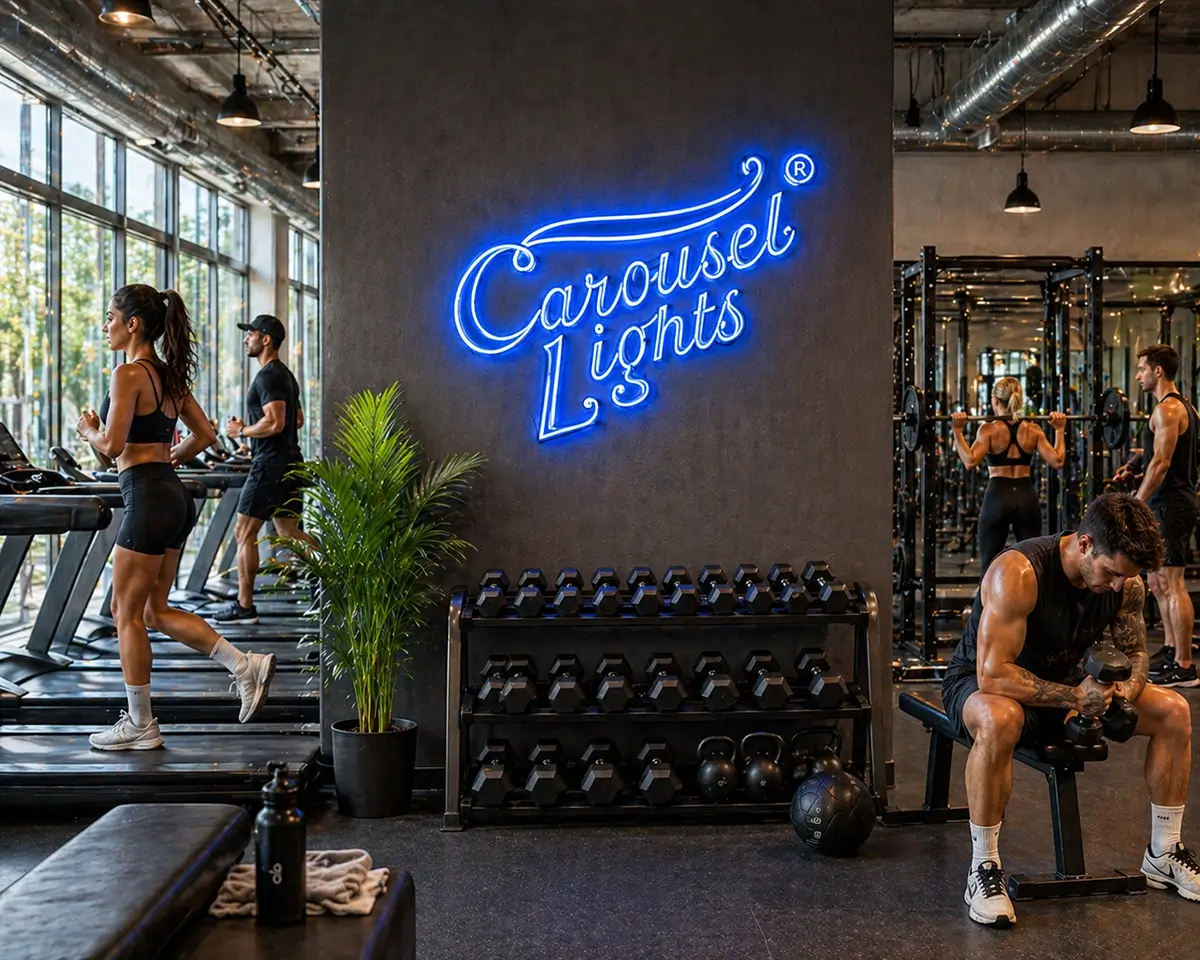
So what you have there, in what took about 30 minutes, is a visual representation of how your logo would look in 3 different styles of sign – halo, neon and fairground – as well as an idea of how it would look in different locations, namely a gym, reception and building facade. You can then speak to your signmaker about how the practicalities of bringing those designs to life.
2. Considerations you should make
The cost of design work
Two of the main benefits we see of clients using Generative AI tools for creating designs for their lighting and signage are: (i) the time-saving of being able to get into market quickly without various design rounds with designers as the client can now produce desktop renders in AI and (ii) the cost saving of not needing to pay an in-house or external designer to do the designs.
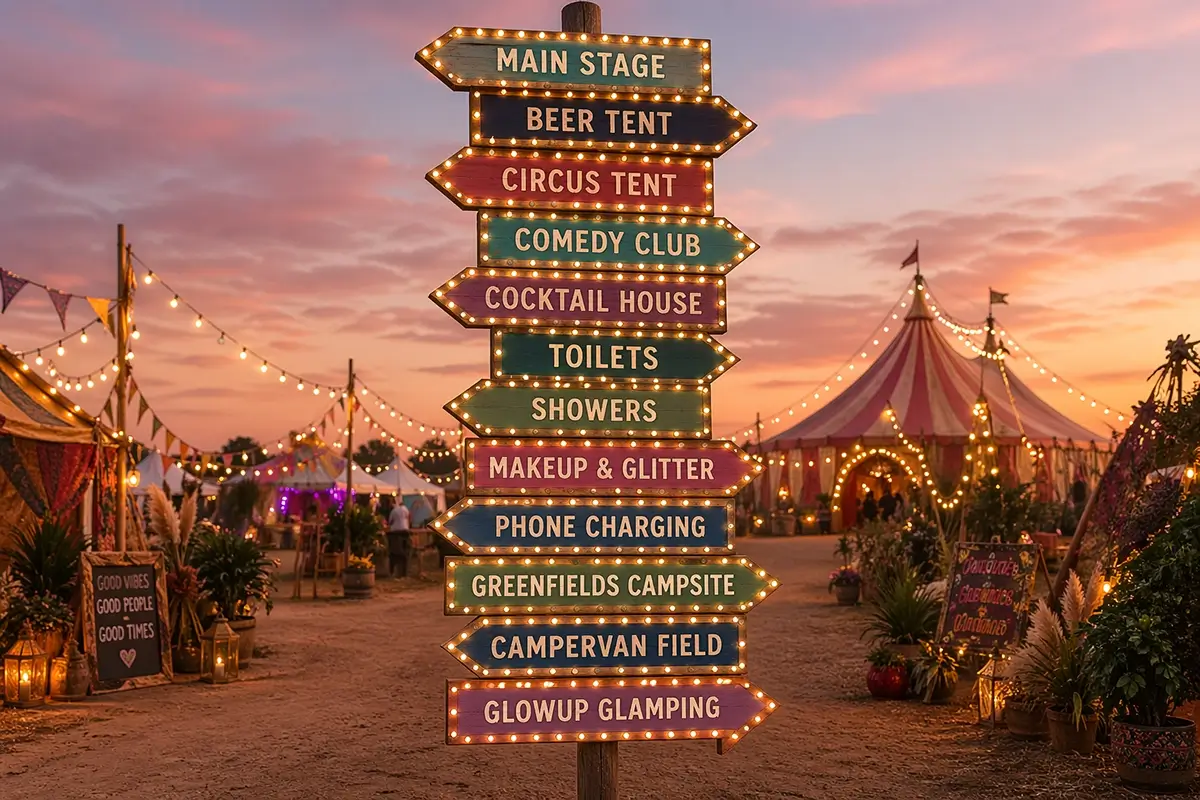 It’s important to note that whilst we can work with the designs that you send with no problem at all, there may be additional design work on our side as AI design files do not contain the drawings that we need for production, so it maybe that some additional design time will be needed.
Take the examples we created here of a client wanting to create wayfinding signage for a festival using AI. We’ve taken it from the look and feel concept through through cutout drawings to outline files. If a client supplied us with all of these files, that’s sufficient for us to work with – we would just need to add a little design time for the production drawings.
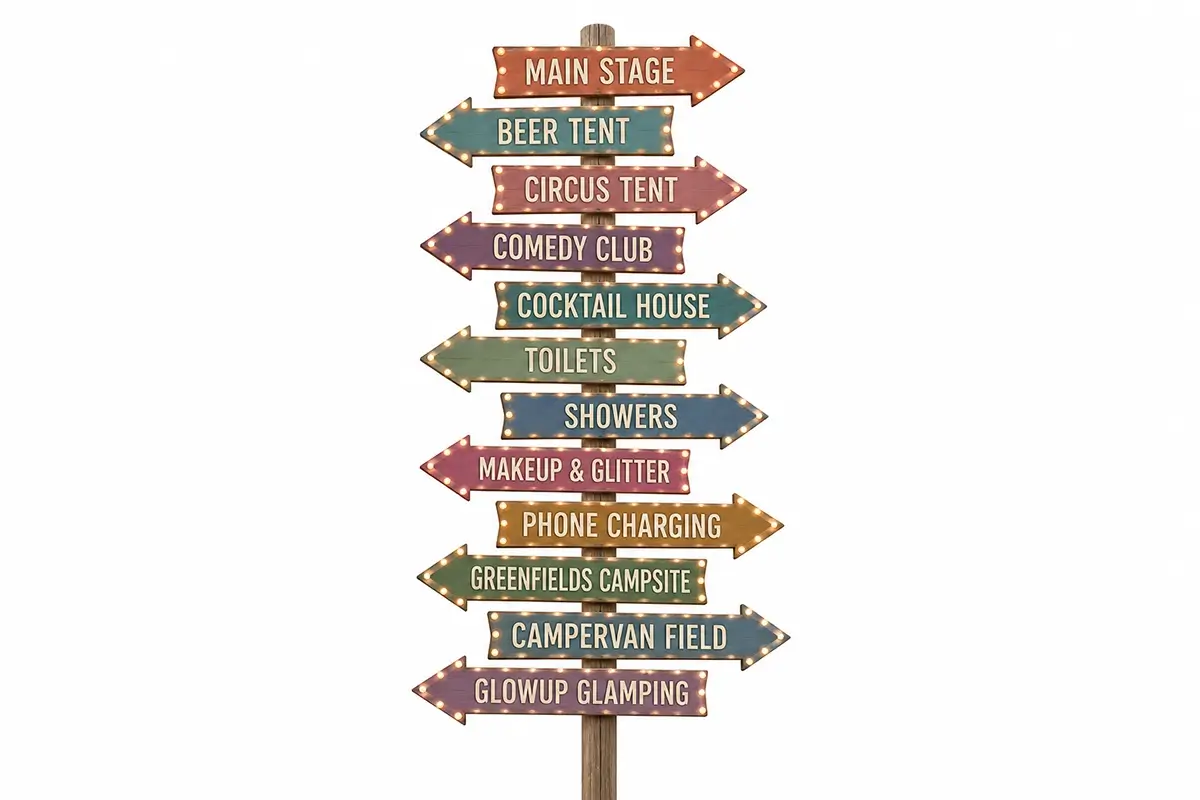
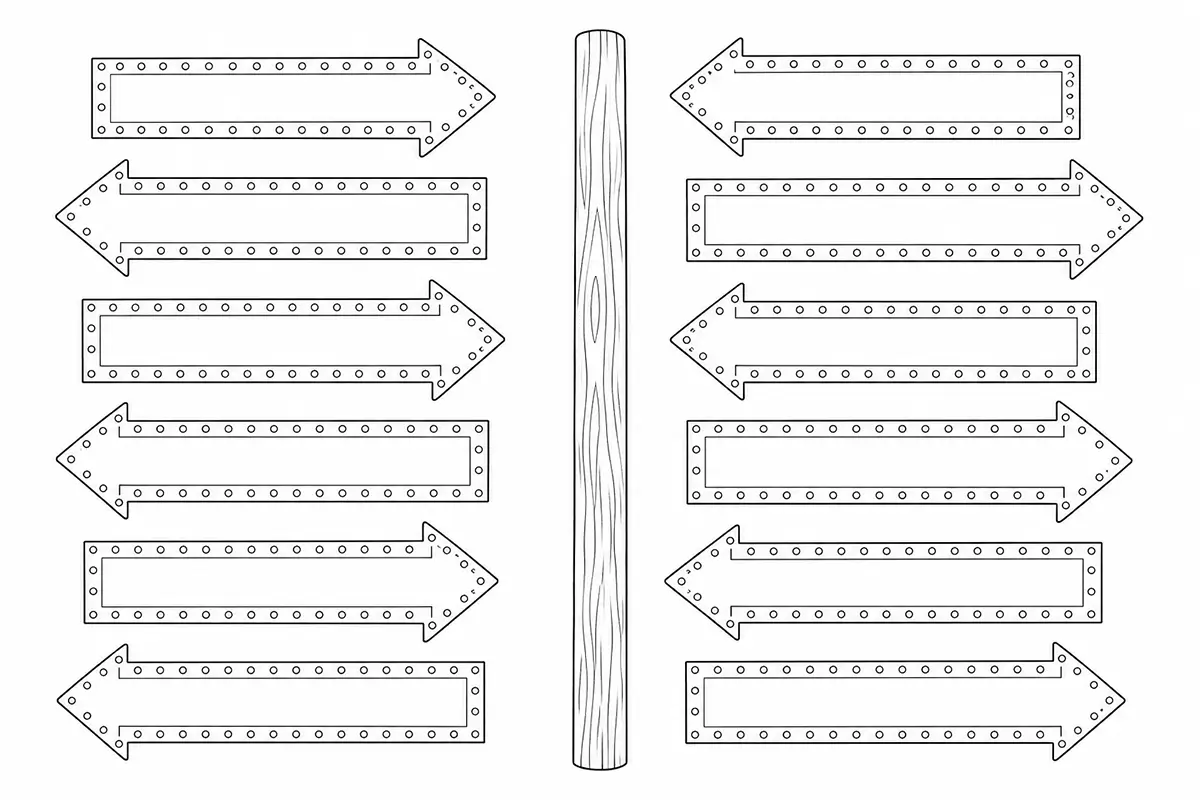
Feasibility of your designs
Once you’ve created AI mockups of your sign ideas, it’s worth sense-checking the feasibility of them before sending them to a signmaker like Carousel Lights. This is purely to help you save time. You don’t need any expertise, but just running your eyes of it with a practical mindset could eliminate some of your ideas where AI has generated something that isn’t physically possible. Examples we see are illuminated signs with no cables or lightbulbs that are way too small to be able to be made.
3. How to liaise with your signmaker
A reputable signmaker like Carousel Lights will be able to guide you through the process, but it’s really simple. The first thing to do is to contact them, telling them what you’re trying to achieve. If you’re competent with AI tools and you’re able to create your own renders and designs, then feel free to send them through to your signmaker.
If you’re creating mockups of signs, then be clear with your signmaker that they’ve been produced using AI tools – that’s absolutely fine to say. The reason it’s important that we know that’s the case is we often receive images of signs asking if we can recreate them, and as such, we spend a lot of time studying the images to see what detail the client requires. If we know upfront that it’s AI then we can make our own assumptions as to how to manufacture the sign so as to create it as closely as possible to the client’s ideal design.
4. AI-generated signage – Example Scenarios
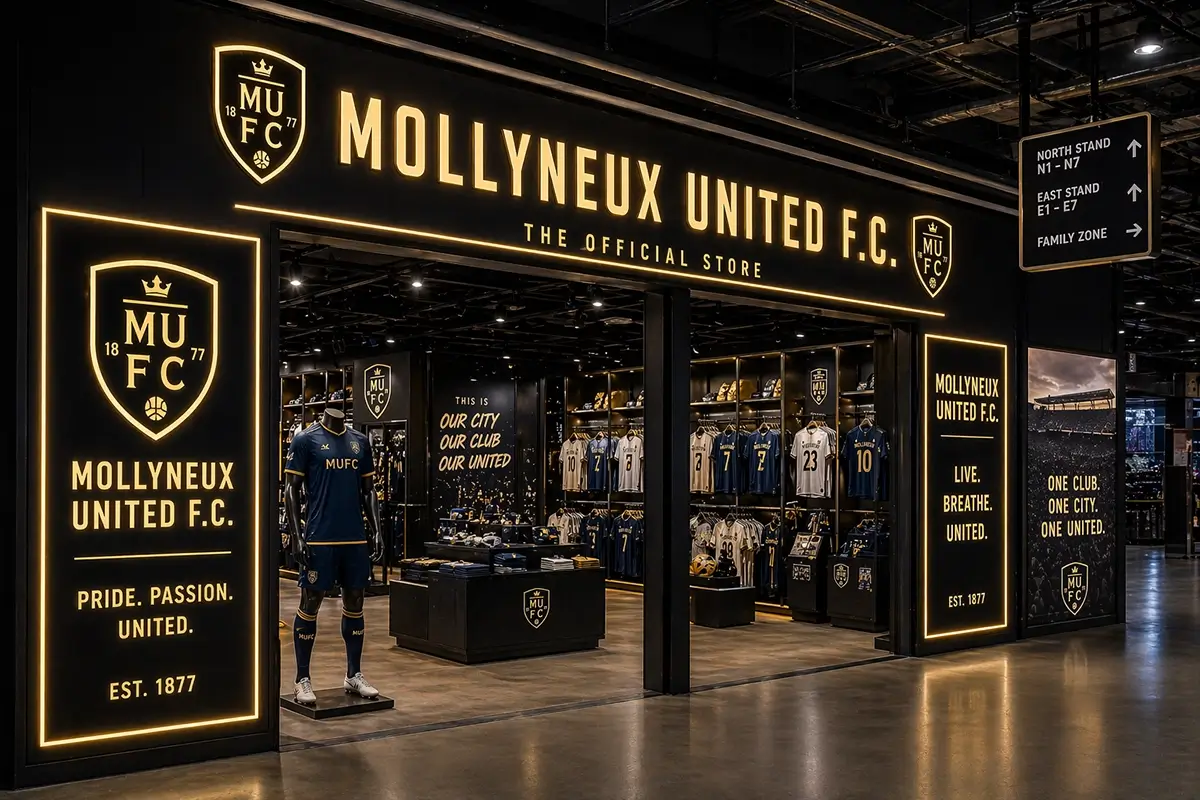
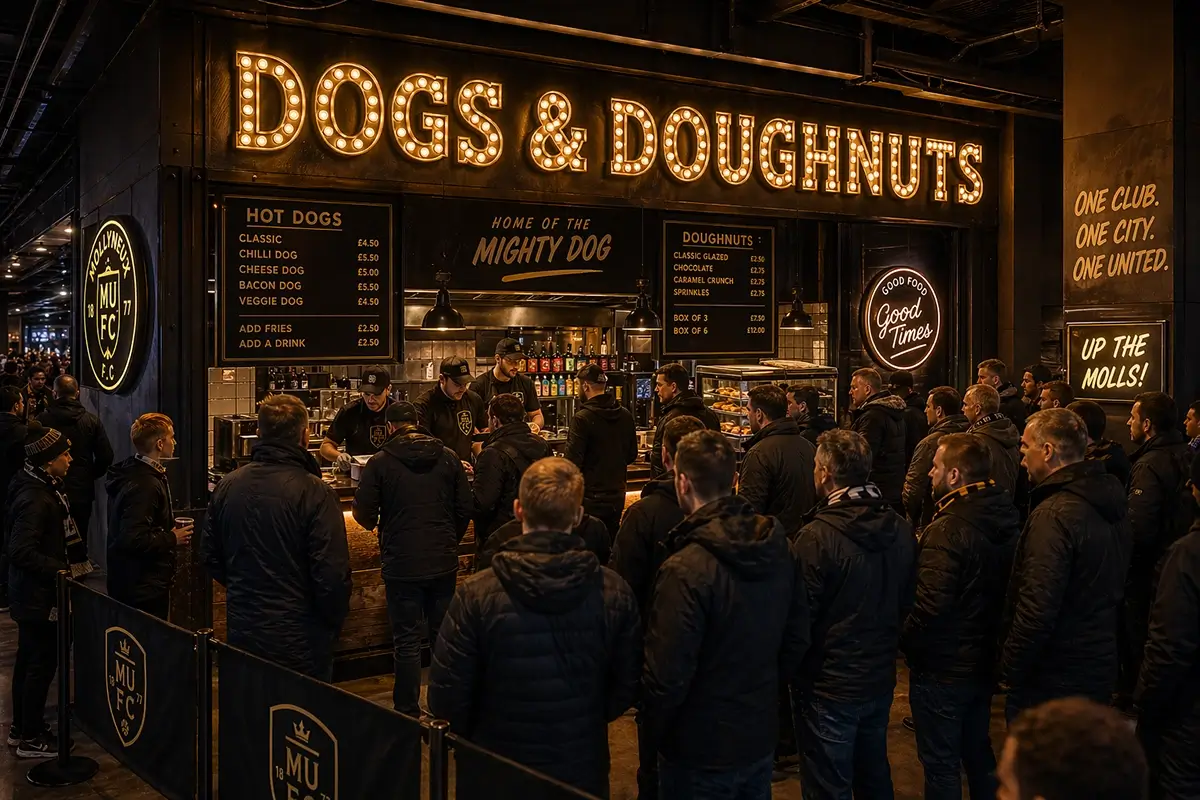
Mollyneux United FC Retail & Catering Signage
AI prompt: “I want to create the signage for a new retail outlet at a premiership football stadium. The team is called mollyneux united fc and it needs to make the store standout in a busy environment but still be stylish and true to the brand. I also need cool bulb letter signage for the catering outlet ‘dogs & doughnuts'”
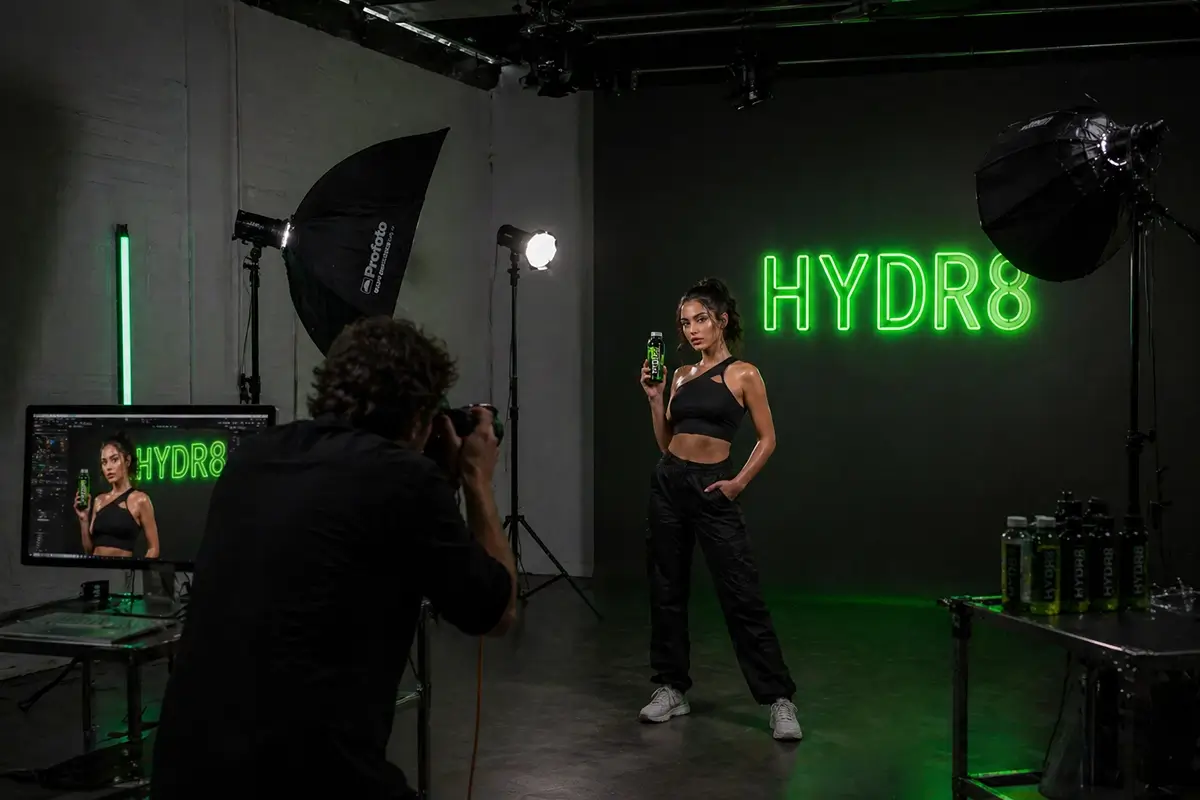
Neon Sign for Drinks Brand Studio Promo Shoot
AI prompt: “mock up a photography studio. You can see the photographger taking a photo with studio flash lights around the subject. A model is holding a drink and the photoshoot is to promote the drink. Behind the model is a green neon sign that says “HYDR8″ which is the logo for the drinks brand”
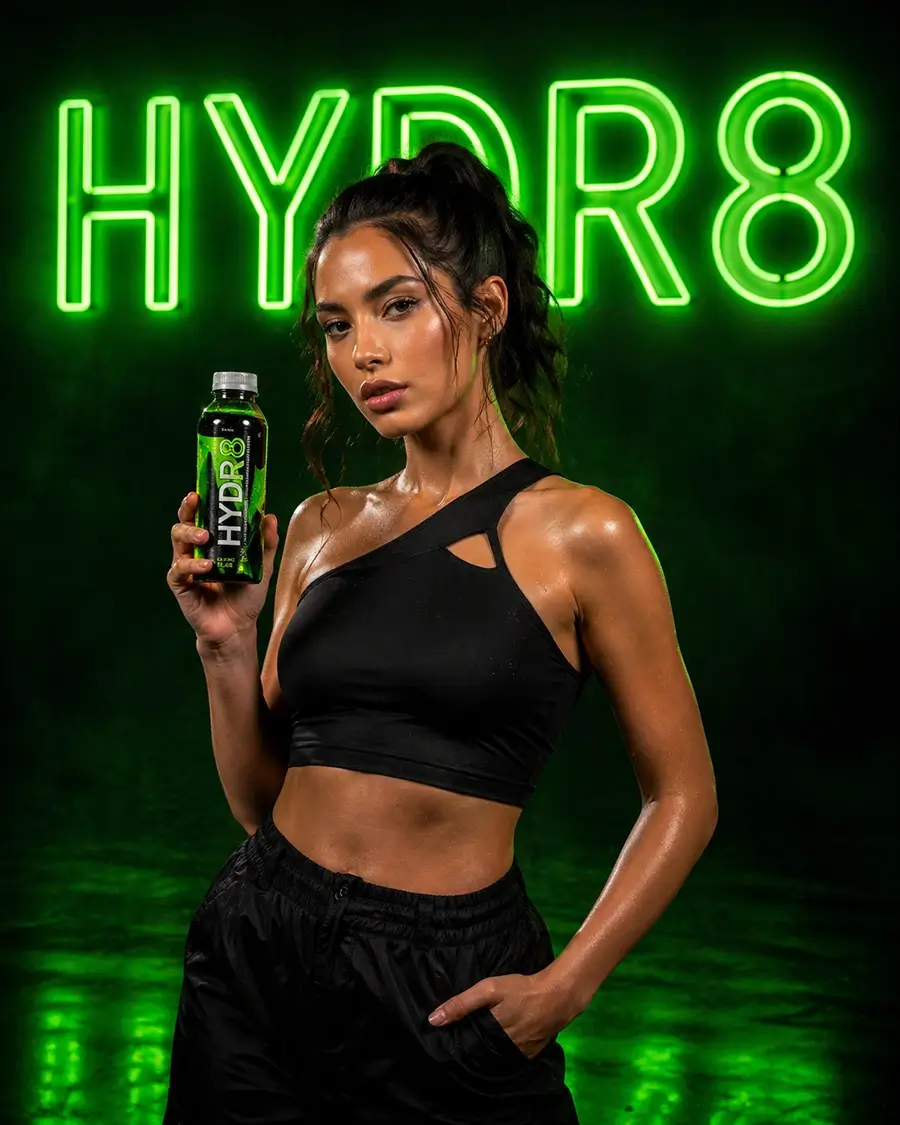
 AI prompt: “now show the photo that the photographer would have taken which promotes the brand”
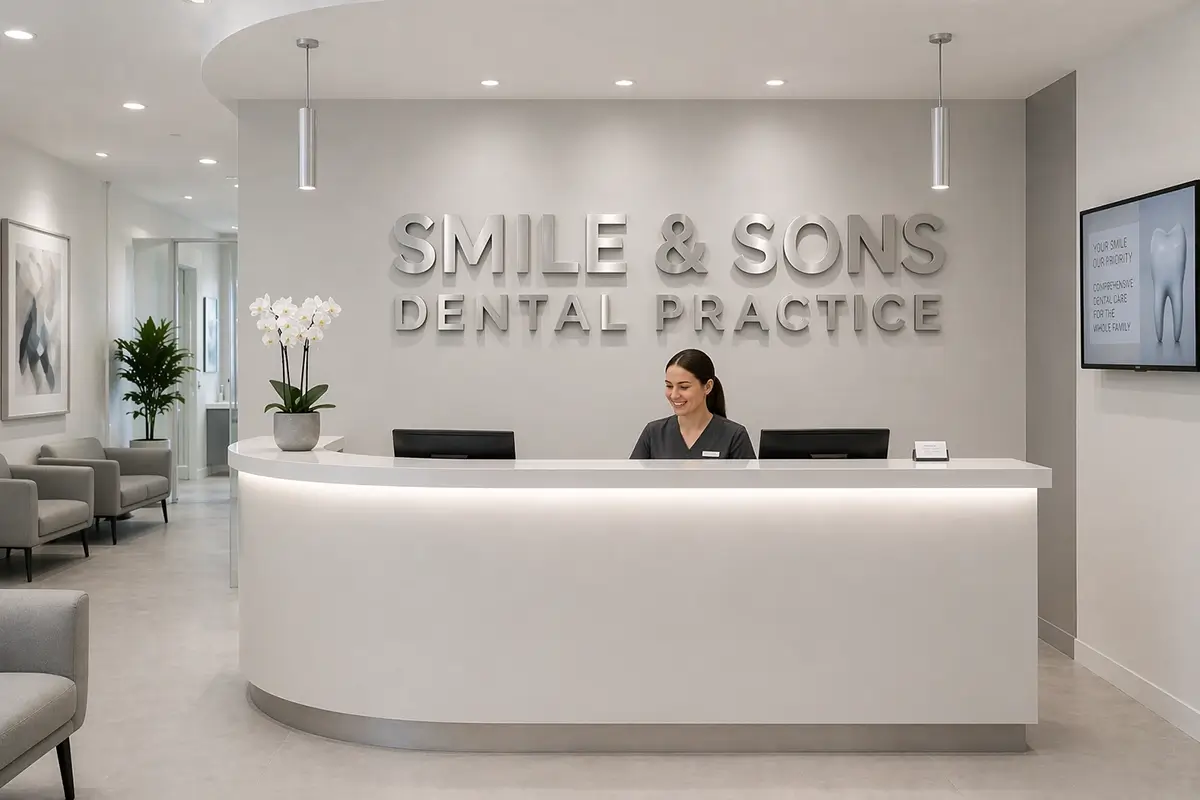
 Corporate Signage for Dental Practice
AI prompt: “create an office of a dentist reception area. It’s very clinical and clean. Behind the desk is a large non-illuminated sign in a block font that says “Smile & Sons Dental Practice”. It needs to look like the sign is made from brushed metal and sits off the wall by an inch so has a drop shadow”
Student Accommodation Building Facade Signage
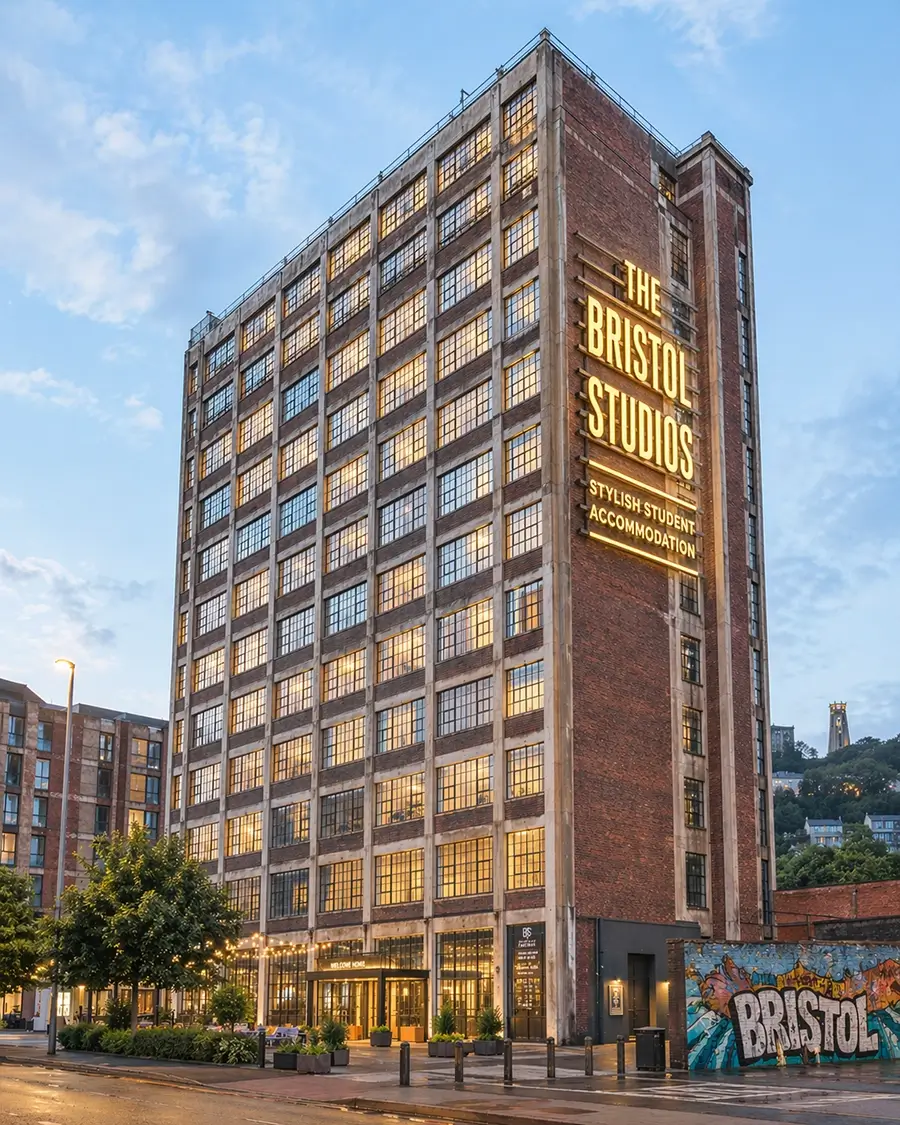
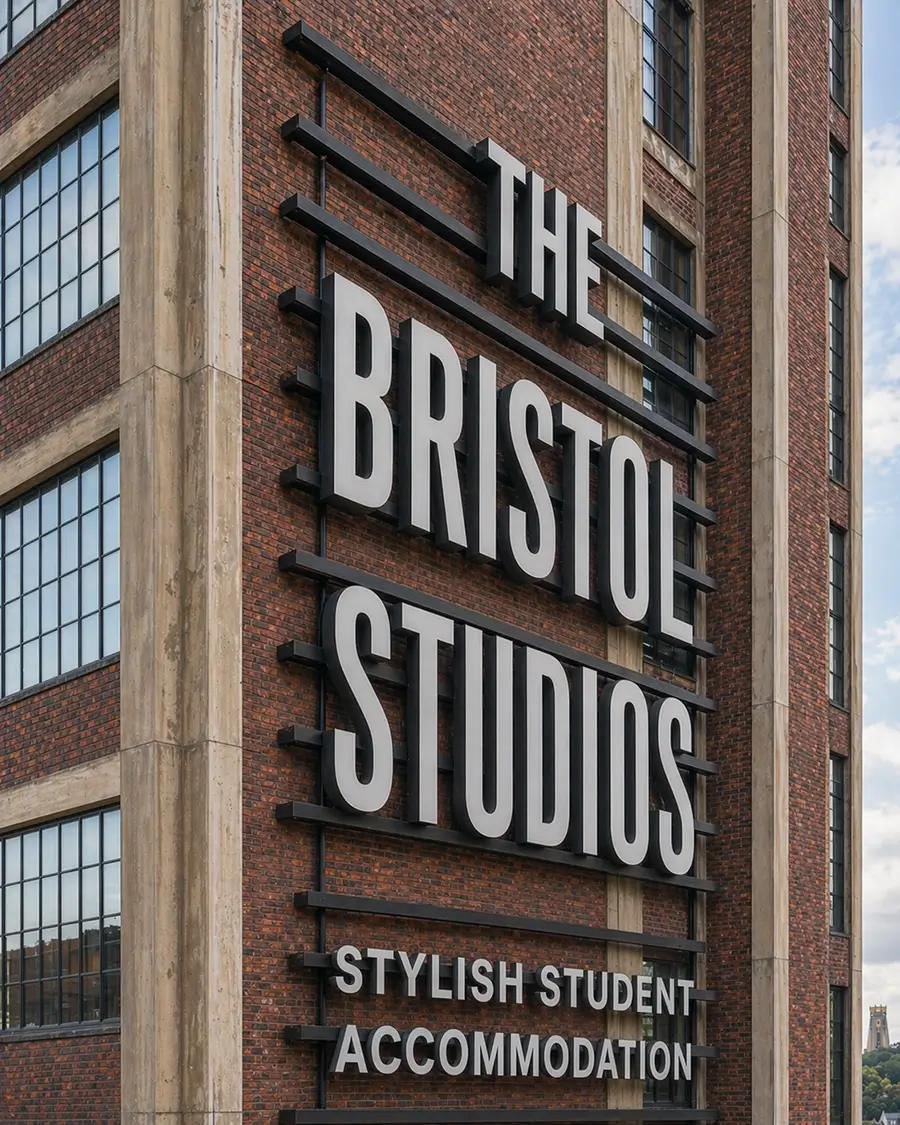
AI prompt: “create an image of an old 10 storey factory building that has been converted to trendy student accommodation in Bristol. On the outside is a big illuminated sign saying “THE BRISTOL STUDIOS” and underneath it says “STYLISH STUDENT ACCOMMODATION”. Now show a close-up of the signage from a different angle showing what it looks like when turned off (white).”
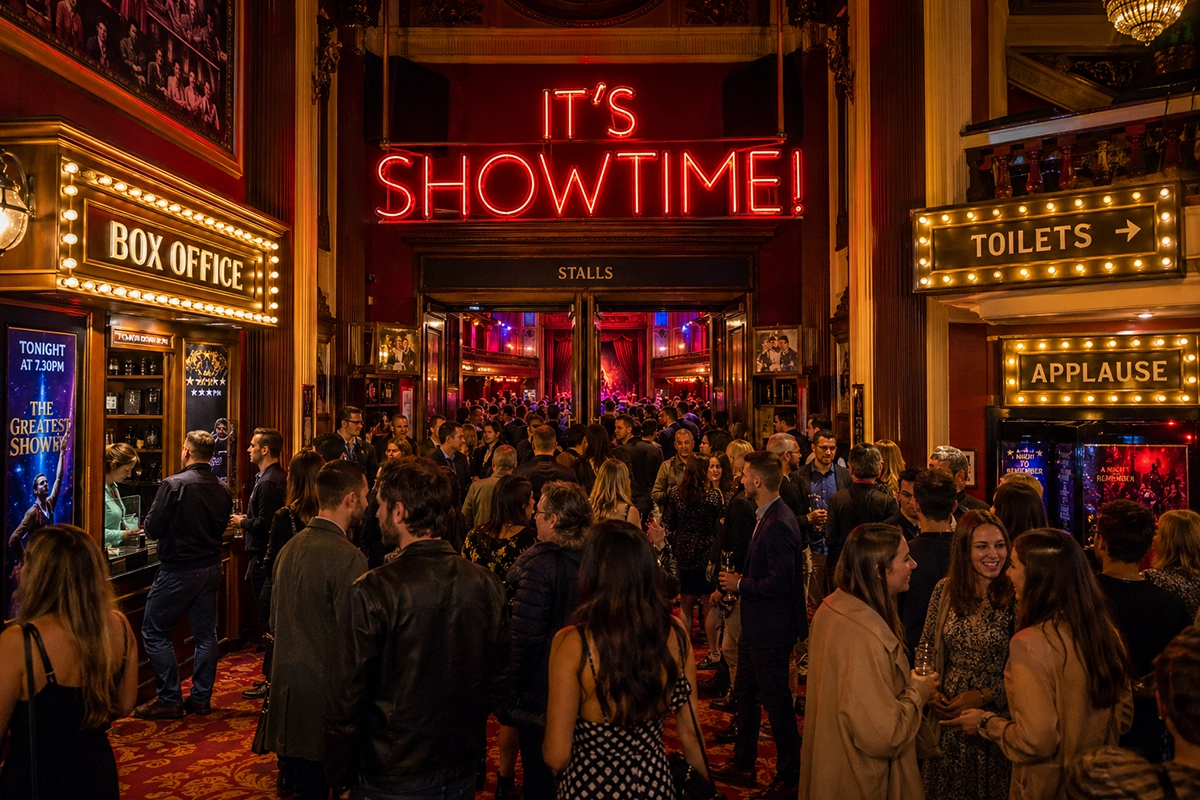
How to use Generative AI to design Custom Theatre Signage
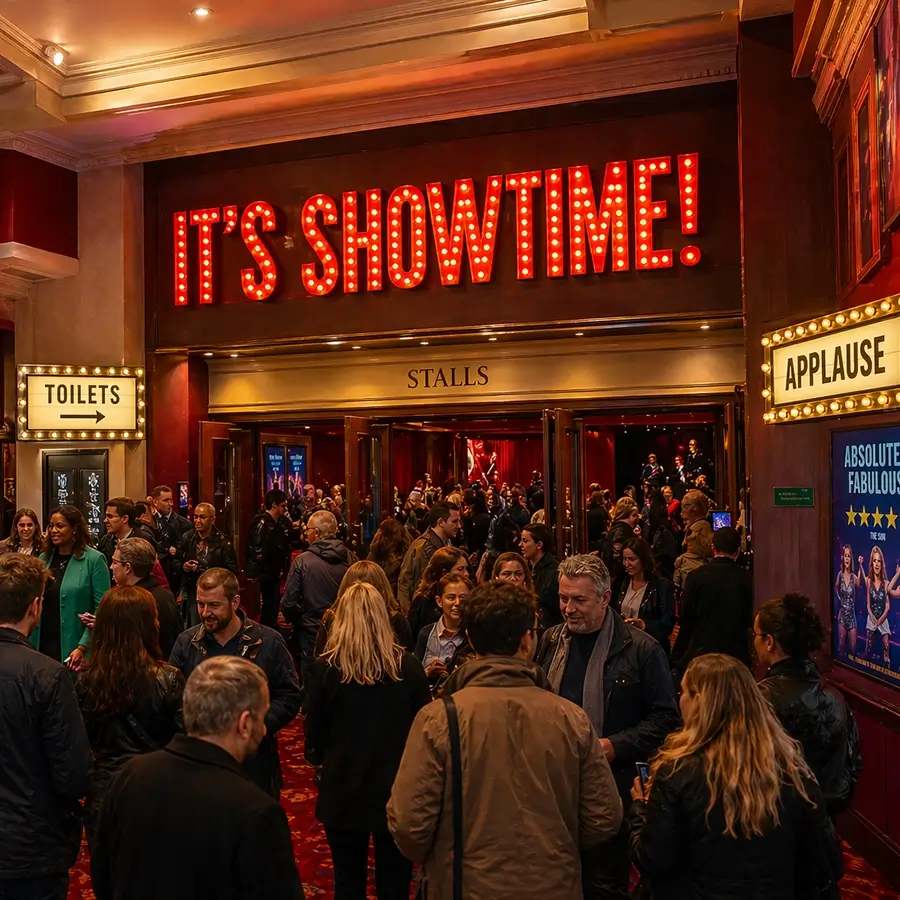
AI prompt: “create an image of a theatre lobby. There are people everywhere. It’s bright and colourful. Above the entrance to the theatre stalls have a big red illuminated sign saying “IT’S SHOWTIME!” and also have brass illuminated lightboxes in the lobby that say “BOX OFFICE”, “TOILETS” and “APPLAUSE””
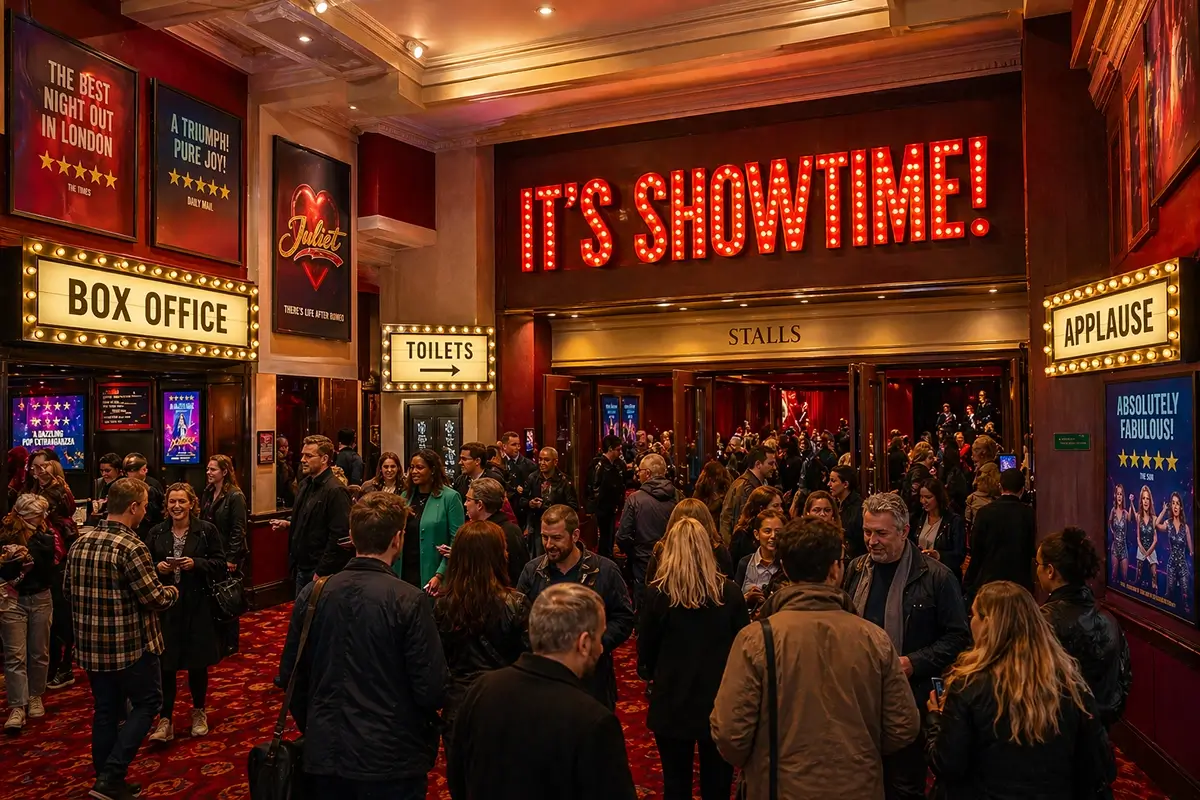 “show how the brass BOX OFFICE sign looks closeup”
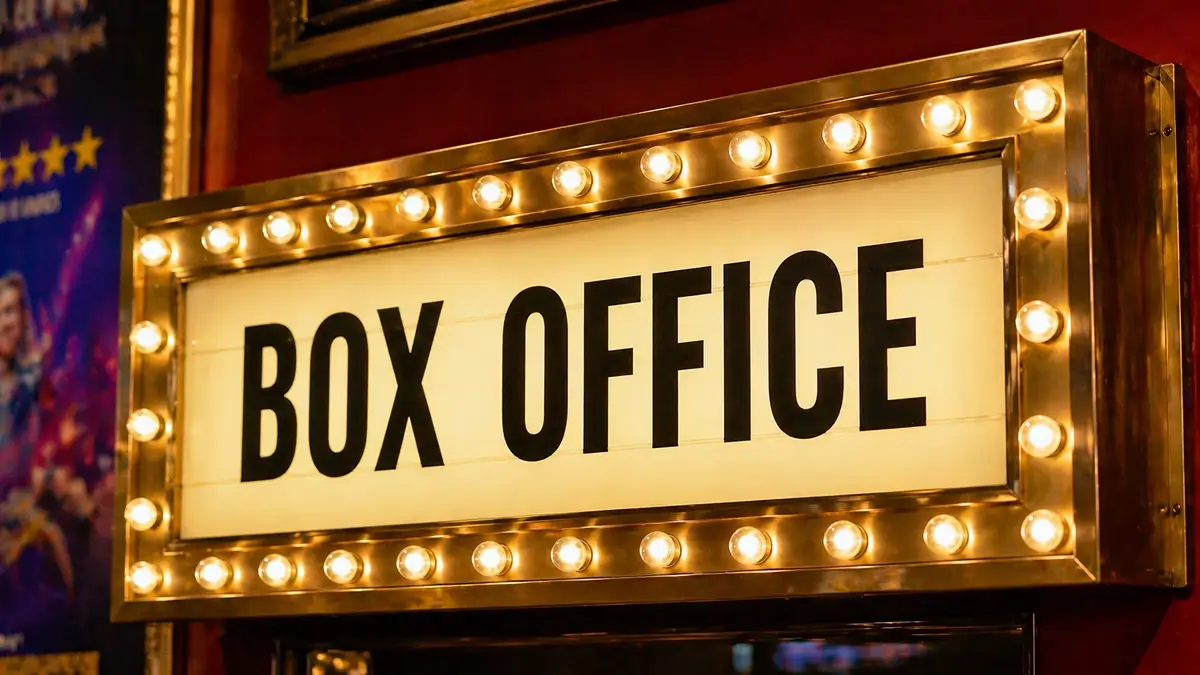 “how would the lobby look if ITS SHOWTIME was in neon?”
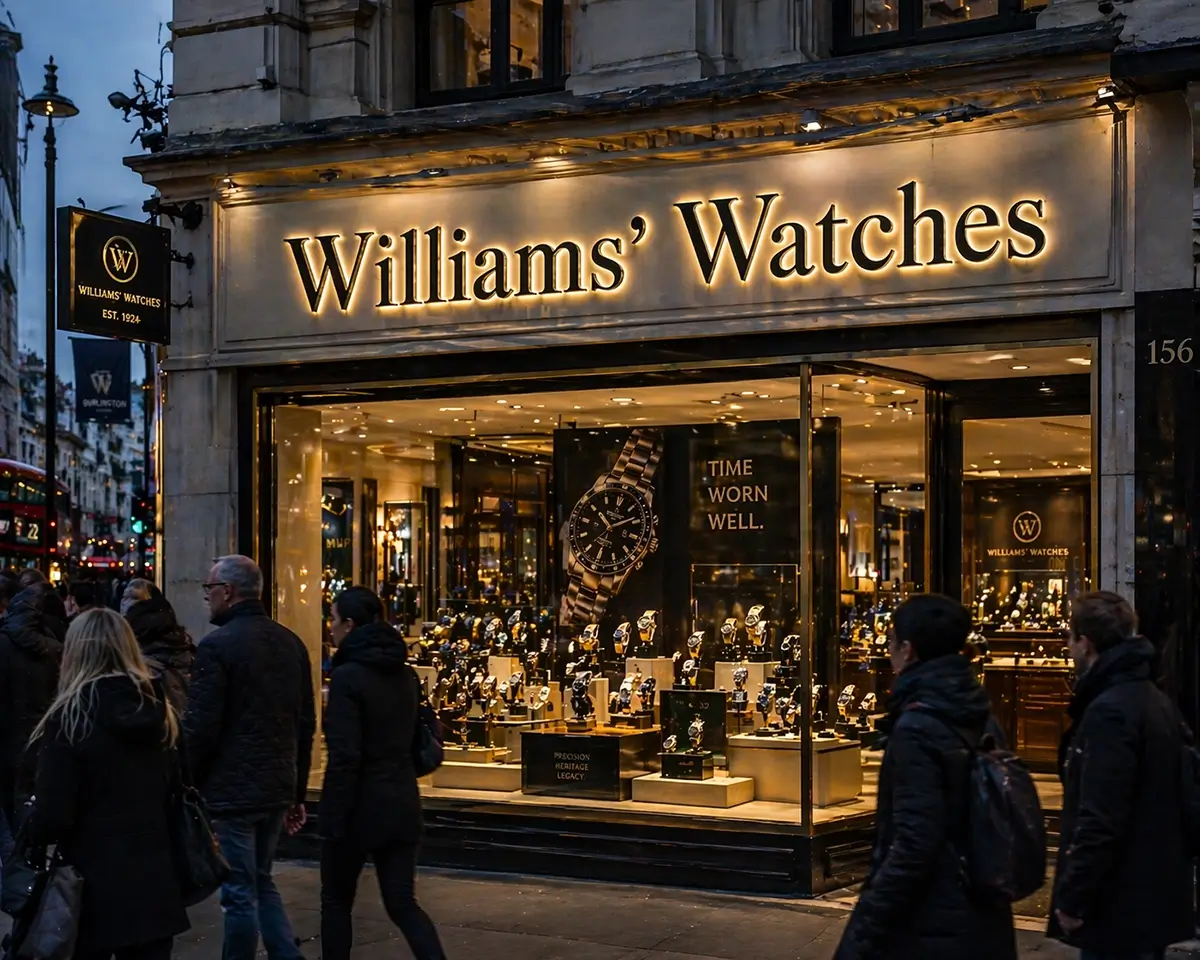
 Creating shop signage using AI tools
AI prompt: “create halo signage for a high street retailer called Williams Watches. It should have black powdercoated letters and be in a traditional serif font”
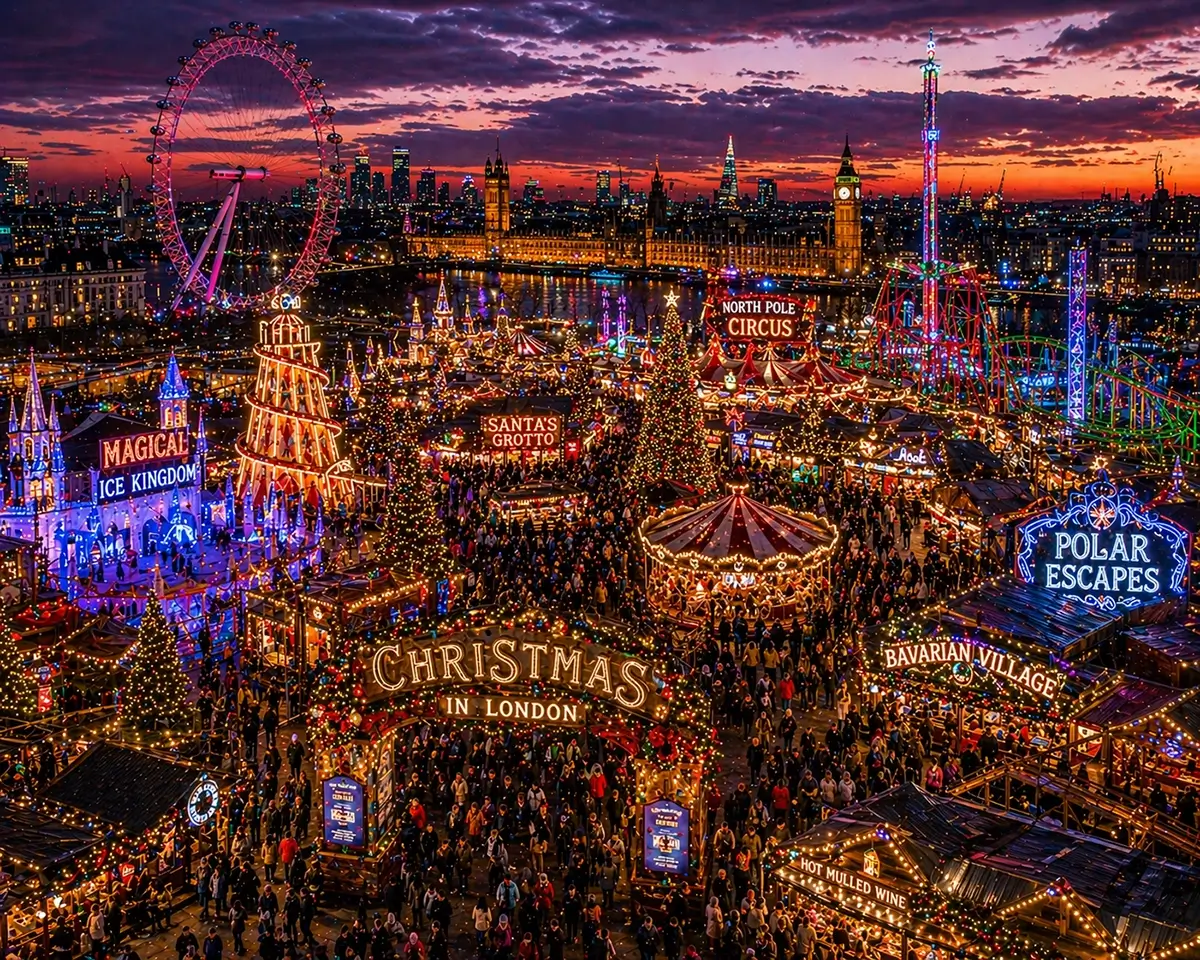
AI Sign-Design for Christmas in London
AI prompt: “create an image of a winter wonderland outdoor festival in london. it needs to be at dusk. it needs to show a view from a higher level with all of the fun lights and atmosphere”
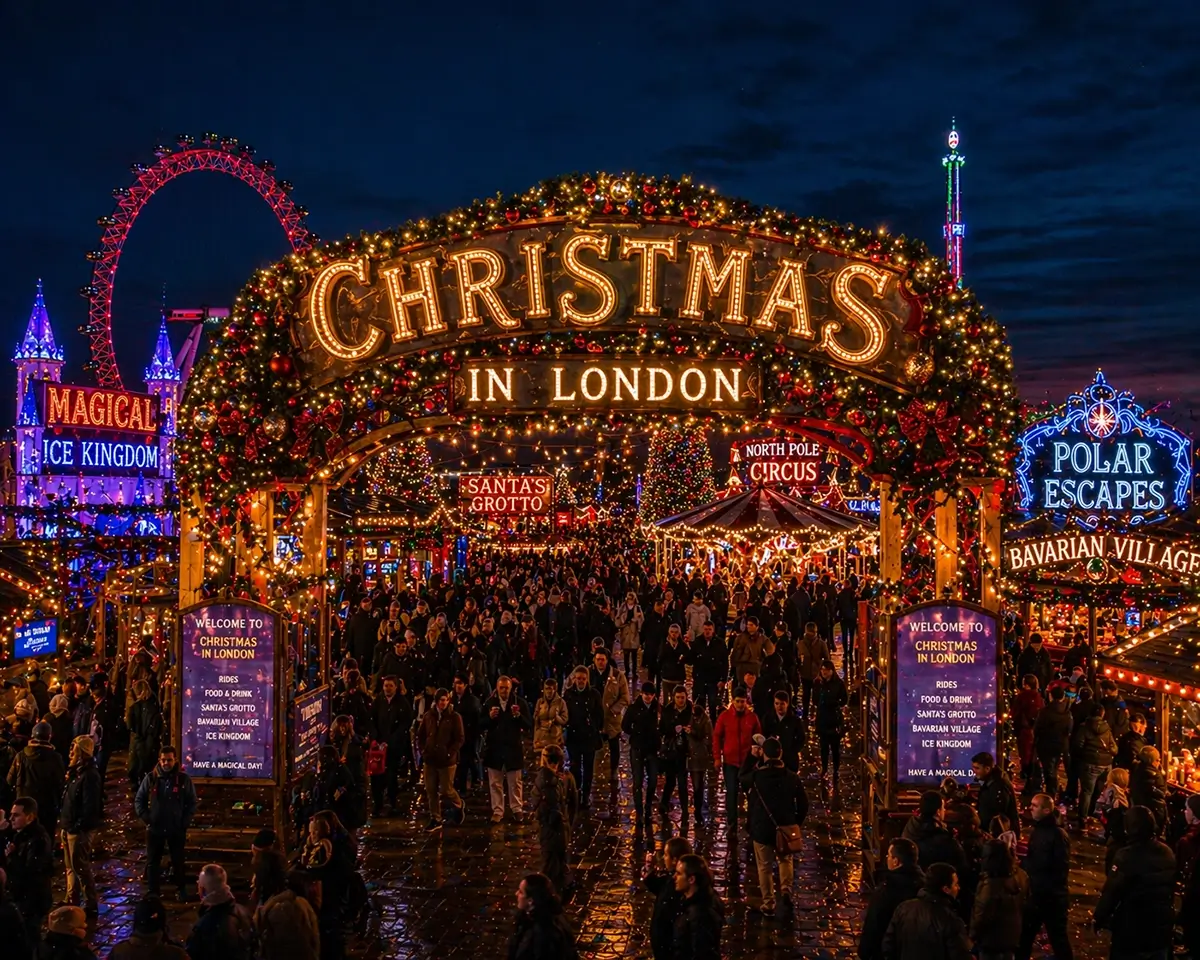
“show how the welcome area will look as if you’re a visitor arriving”
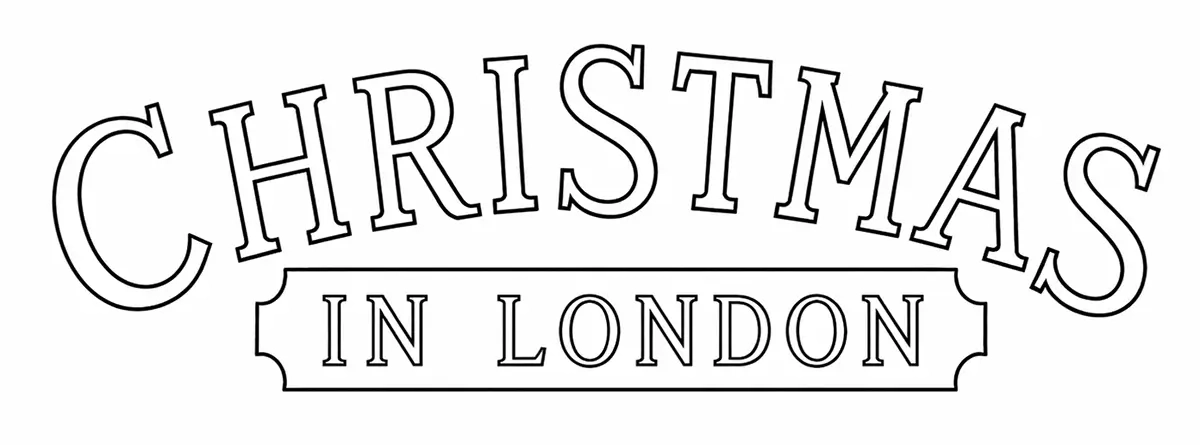
“I need an outline of the sign”
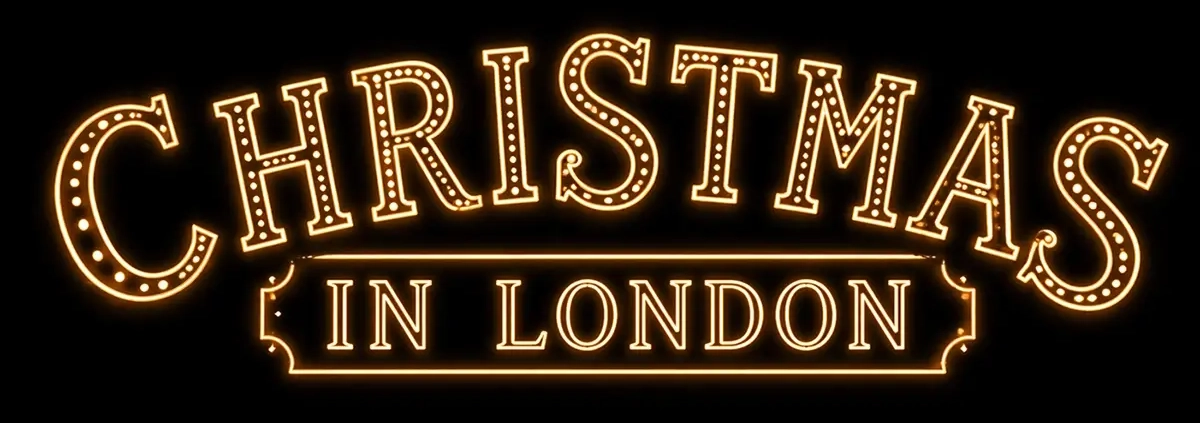
“no, not a render. just an outline file”
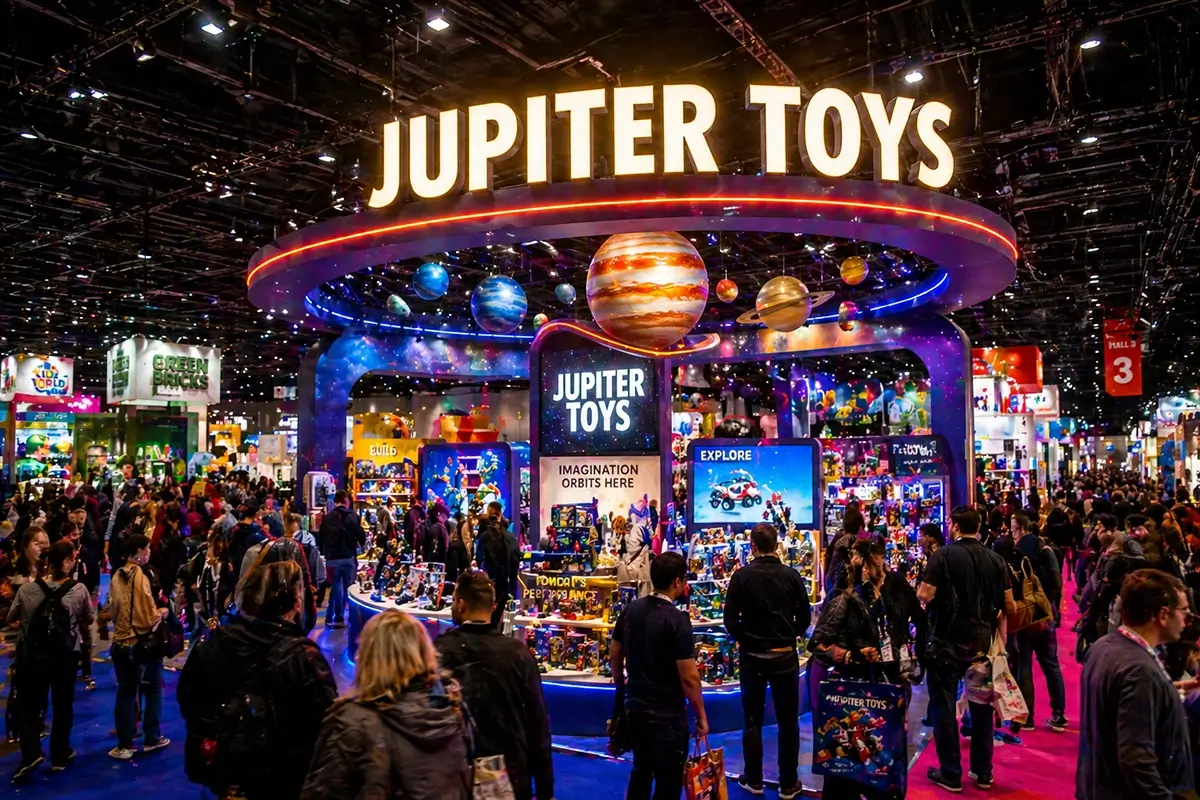
Using AI for Exhibition Signage Ideas – Jupiter Toys
Prompt: “create an image of a large busy trade exhibition. in the middle is a stand that really sticks out. There is a large illuminated sign above it that says “JUPITER TOYS”
So that’s it! A deep-dive into how brands, agencies, production companies, designers and architects can work with your chosen sign supplier to incorporate Generative AI into your custom signage projects. Feel free to give us a shout as and when you need help.